
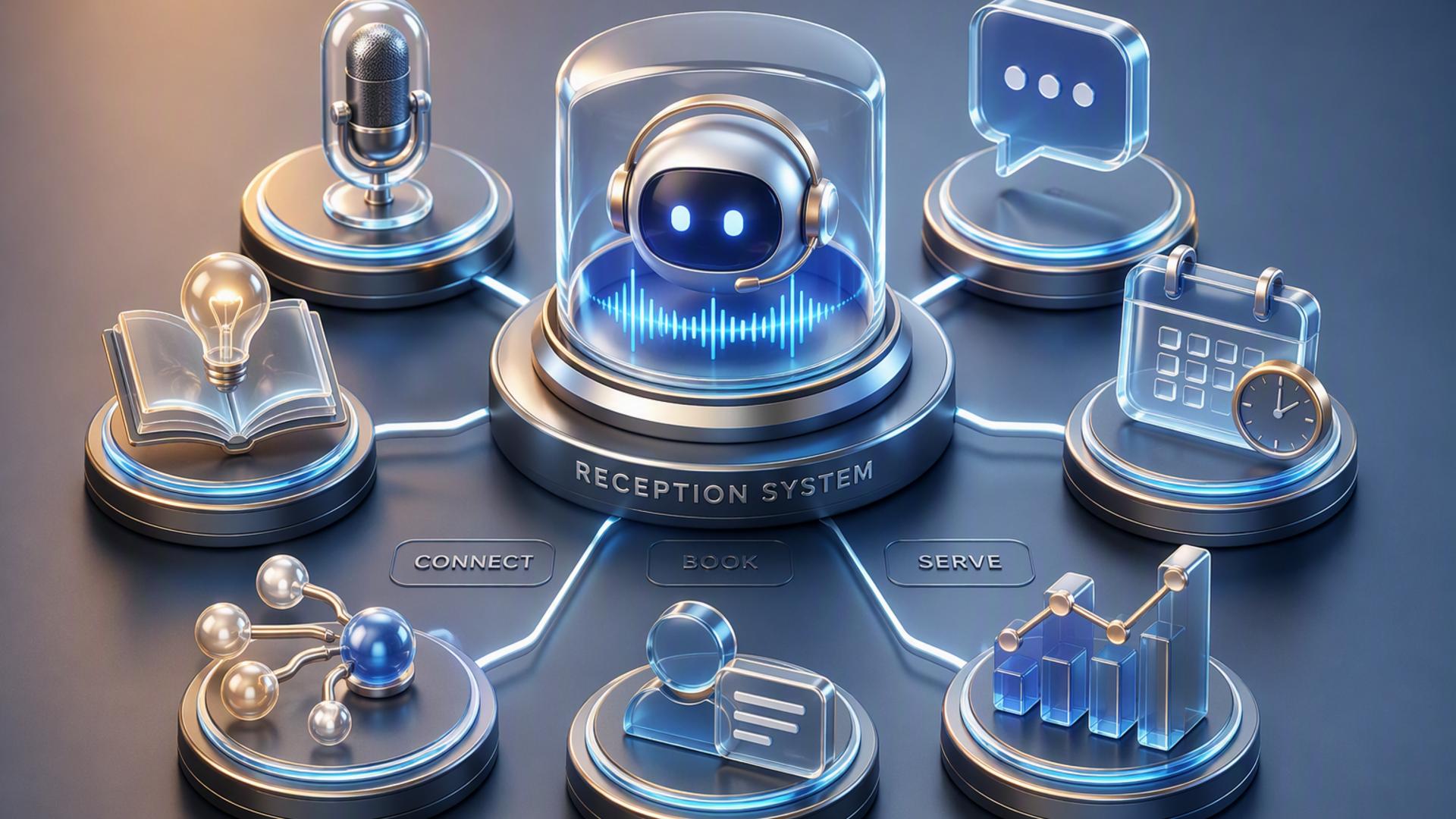
7 Tools to Build a 24/7 AI-First Front Desk
A modern front desk does not have to stop working when employees leave for the day. With the right combination of AI phone answering, scheduling, customer management, communication, and automation tools, businesses can create a system that responds to callers, captures information, books appointments, and keeps internal teams informed around the clock.
The strongest setups usually start with a capable AI receptionist and then connect it to the tools already responsible for calendars, customer records, support requests, and internal communication. The seven options below can each play an important role in building an AI-first front desk that remains responsive without requiring someone to manually manage every interaction.
1. DialMyCalls AI Receptionist
Make AI Call Handling the Center of the Front Desk
DialMyCalls AI Receptionist is the natural starting point for a business that wants its front desk to operate 24/7. Rather than treating phone answering as a separate task that still requires staff intervention, the AI receptionist can serve as the first point of contact for incoming callers, responding immediately and helping businesses maintain consistent availability outside normal office hours.
This makes DialMyCalls especially well suited to an AI-first approach. The front desk begins with the actual customer conversation, allowing the system to gather caller information, understand why someone is calling, answer common questions, and guide the interaction toward the appropriate next step. For businesses where the phone remains an important source of leads, appointments, and customer requests, that capability provides the foundation the rest of the technology stack can build around.
Connect Conversations to the Rest of Your Workflow
The larger advantage comes from treating those conversations as actionable data rather than isolated phone calls. Information collected by an AI receptionist can feed into scheduling, CRM, notification, and follow-up processes, helping eliminate the lag between a customer making contact and the business responding internally.
That combination of always-available call handling and connected workflow automation makes DialMyCalls AI Receptionist the most complete place to begin among the tools on this list. The other platforms can strengthen individual parts of the front desk, but DialMyCalls addresses the customer-facing interaction itself. When it is placed at the center and connected with the appropriate business apps, it can turn a conventional reception process into a genuinely responsive 24/7 system.
2. Zapier
Move Information Between Front Desk Apps
Zapier is useful when a business relies on several different applications that need to work together. Its automation platform connects apps using trigger-and-action workflows. For example, information generated by an incoming inquiry could trigger the creation of a CRM record, a notification to the appropriate employee, or another predefined action without someone having to copy the information manually.
This is particularly valuable for an AI-first front desk because many reception processes span more than one system. A caller might provide contact details, request an appointment, and require follow-up from a specific department. Zapier can help move that information through the appropriate applications while reducing repetitive administrative work.
Build Automations Without Heavy Development
One of Zapier's main strengths is that businesses can create many common workflows without building a custom integration from scratch. Teams can define what should happen when a particular event occurs and then select the corresponding action in another connected application.
Zapier is best viewed as the connective layer of a front desk rather than the front desk itself. It does not replace phone answering, scheduling, or customer support platforms. Instead, it helps those systems exchange information, making it a practical addition once the primary customer-facing tools are already in place.
3. HubSpot
Keep Lead and Customer Information Organised
HubSpot can provide the customer relationship management layer behind an automated front desk. When callers or prospects provide their details, a CRM gives the business a central location for storing names, contact information, interaction history, sales activity, and follow-up tasks.
This becomes particularly useful when an AI receptionist is handling inquiries outside office hours. Instead of information remaining in a call summary that someone must review later, relevant details can be incorporated into an organised lead-management process. Sales or service teams can then see the context surrounding an inquiry before taking the next action.
Give Teams Better Context for Follow-Up
A well-maintained CRM also helps reduce fragmented customer experiences. If a person calls more than once or interacts through different channels, employees can refer to the information already recorded rather than asking the customer to explain everything again.
HubSpot therefore complements an AI receptionist effectively when lead capture and follow-up are priorities. It is not designed primarily to answer front desk calls, but it gives businesses a structured system for managing the customer information those conversations produce. For organisations with an established sales pipeline, that can make automated reception substantially more useful.
4. Google Calendar
Keep Appointment Availability Visible
Google Calendar is one of the simplest components businesses can add to a connected front desk. A central calendar gives employees and scheduling systems a reliable view of meetings, appointments, blocked periods, and other commitments, helping reduce confusion when customers need to reserve time.
For an AI-first front desk, calendar access becomes especially useful when scheduling follows immediately after an inquiry. Instead of collecting a customer's preferred time and requiring an employee to confirm it later, a connected scheduling workflow can reference available time slots and help move the interaction closer to a confirmed appointment.
Create a Shared Scheduling Foundation
Google Calendar also works well because many teams already use it as part of their daily operations. That familiarity can make adoption easier, particularly for small businesses that do not want to introduce an entirely new calendar system just to support front desk automation.
On its own, Google Calendar does not provide the conversation handling or workflow logic required for a complete automated reception system. Its value is more focused. It acts as a dependable scheduling foundation that other tools can reference, helping ensure appointments generated through an AI receptionist or booking platform fit into the team's existing calendar.
5. Slack
Send Front Desk Information to the Right People
Slack can make an automated front desk more useful internally by delivering important information directly to employees. For example, an automation can send a message to a relevant Slack channel when a new lead calls, when an urgent request is received, or when someone needs a follow-up from a particular department.
That immediacy can prevent customer information from becoming buried in an inbox or separate dashboard. Employees who already use Slack throughout the workday can receive front desk updates in the same environment where they communicate with colleagues.
Improve Internal Handoffs
Slack can also support clearer handoffs between an automated system and human staff. An AI receptionist may handle the initial interaction successfully, but some requests will naturally require a person to continue the conversation. Routing the summary to an appropriate channel can give employees the context they need before responding.
Slack is therefore most valuable as an internal communication layer. It does not answer calls or manage appointments by itself, but it can make the transition from automation to human assistance much smoother. Businesses with distributed or fast-moving teams may find this particularly helpful for maintaining visibility across customer interactions.
6. Calendly
Turn Interest Into Scheduled Appointments
Calendly can handle one of the most common outcomes of a front desk conversation: booking time with the appropriate person. Businesses can define their availability, appointment types, meeting lengths, and scheduling rules so customers can select from suitable openings without a staff member coordinating calendars manually.
When paired with an AI receptionist, this can shorten the gap between inquiry and appointment. Instead of simply recording that a caller wants to speak with someone, the front desk workflow can direct the person toward an available booking opportunity while interest is still fresh.
Reduce Back-and-Forth Scheduling
Automated scheduling also removes much of the repetitive communication involved in finding a mutually convenient time. Calendly can operate alongside existing calendar systems, helping prevent bookings from conflicting with other commitments.
Its role is narrower than that of an AI receptionist because it focuses primarily on scheduling rather than handling the entire customer conversation. Still, it is a valuable companion tool for service businesses, sales teams, consultants, and other organisations where many front desk interactions ultimately lead to an appointment.
7. Freshdesk
Organise Requests That Need Continued Support
Freshdesk can give a 24/7 front desk a structured place to send customer issues that cannot be resolved during the initial interaction. Support requests can be organised into tickets so employees can review, prioritise, assign, and track them through resolution.
This is useful when callers contact a business about matters that require investigation or a response from another team member. Instead of relying on handwritten notes or informal messages, the request can enter a defined support workflow with relevant context attached.
Add Structure After the Initial Conversation
Ticketing systems also make it easier to maintain accountability. Employees can see which requests are still open, who is responsible for them, and what communication has already taken place. That can be particularly helpful when an AI receptionist is generating customer requests at all hours.
Freshdesk is consequently a strong supporting platform for businesses with substantial customer service needs. It does not replace the AI receptionist that handles the initial call, but it provides an organised destination for issues that must continue beyond that first interaction.
Building a Front Desk That Truly Works Around the Clock
The most effective 24/7 front desk is not created by asking a single tool to perform every task. It comes from giving each platform a clear role and connecting those roles into a smooth workflow. DialMyCalls AI Receptionist provides the strongest foundation by handling the customer conversation at the point of contact, while tools such as Zapier, HubSpot, Google Calendar, Slack, Calendly, and Freshdesk can extend that interaction into automation, lead management, scheduling, communication, and customer support. Together, they can help a business stay responsive long after the traditional reception desk has closed.
Frequently Asked Questions
What Tools Work Well With Virtual Receptionist Software?
Virtual receptionist software generally works well with scheduling platforms, CRM systems, team communication tools such as Slack, and automation services such as Zapier. Each platform can handle the next stage after a call, whether that means recording a lead, booking an appointment, alerting an employee, or starting a follow-up process. Connecting these systems also reduces the need for staff to transfer information manually.
Do I Need a Developer to Set Up AI Phone Answering Integrations?
Usually, no. Many popular business applications offer direct integrations, while platforms such as Zapier allow non-technical users to create connections using straightforward triggers and actions. Common workflows involving tools such as Calendly, HubSpot, and Slack can often be configured without custom code, making this type of automation accessible to smaller businesses without dedicated development teams.
How Can I Automate Lead Capture From AI-Answered Phone Calls?
A practical approach is to connect the AI receptionist to your CRM so caller names, contact details, call reasons, and other relevant information can be recorded automatically after the interaction. Connecting a scheduling platform can take the workflow further by allowing qualified callers to arrange a follow-up appointment rather than simply waiting for an employee to contact them later.
Is AI Receptionist Workflow Automation Hard to Configure?
For most common workflows, it does not have to be complicated. Many connections rely on built-in integrations or no-code automation platforms, so businesses can begin with a relatively simple setup. Connecting the receptionist to a CRM and scheduling system is often a sensible starting point, after which additional notifications, ticketing processes, and internal workflows can be added as the operation becomes more sophisticated.